
Build a Digital Document Workflow That Actually Works
Most businesses don't have a document workflow — they have a document pileup. Documents arrive by email, fax, mail, and hand delivery. They get saved to desktops, Downloads folders, random Google Drive locations, and sometimes just left in an inbox. Finding anything takes minutes. Losing something? Happens more than anyone admits.
A real document workflow is a system — a predictable pipeline where every document is captured, organized, accessible, and secure. Here's how to build one.
The Four Stages of a Document Workflow
Stage 1: Capture
Every document enters your system through one of these channels:
- Email attachments — The most common today. Contracts, invoices, reports.
- Scanned paper — Use a scanner or phone app (Adobe Scan, Microsoft Lens) to convert physical documents.
- Fax — If you receive faxes, online fax services deliver them as PDFs to your email — eliminating the paper capture step.
- Cloud-created documents — Google Docs, Microsoft 365, Notion — documents born digital.
- Web downloads — Invoices from SaaS tools, tax forms from government sites.
The goal at this stage: get everything into digital format as fast as possible. Paper is the enemy of a good workflow.
Stage 2: Organize
A captured document is worthless if you can't find it later. Organization means two things: folder structure and naming conventions.
Folder Structure (Example)
📁 Documents
├── 📁 Clients
│ ├── 📁 Acme Corp
│ │ ├── 📁 Contracts
│ │ ├── 📁 Invoices
│ │ └── 📁 Correspondence
│ └── 📁 GlobalTech
├── 📁 Internal
│ ├── 📁 HR
│ ├── 📁 Finance
│ └── 📁 Legal
└── 📁 Templates
File Naming Convention
Use a consistent pattern. Date-first naming ensures chronological sorting:
2026-04-15_AcmeCorp_Contract_ServiceAgreement_v2.pdf
Stage 3: Process
Processing is what happens to a document after it arrives — review, approval, signature, payment, filing. This is where automation shines:
- E-signatures — DocuSign, HelloSign, or Adobe Sign for contracts that need signatures
- Approval workflows — Tools like PandaDoc or Google Workspace approvals route documents to the right person
- Accounting — Forward invoices to Xero, QuickBooks, or your AP team automatically
- Faxing — When a processed document needs to go to someone via fax, send it directly from your computer
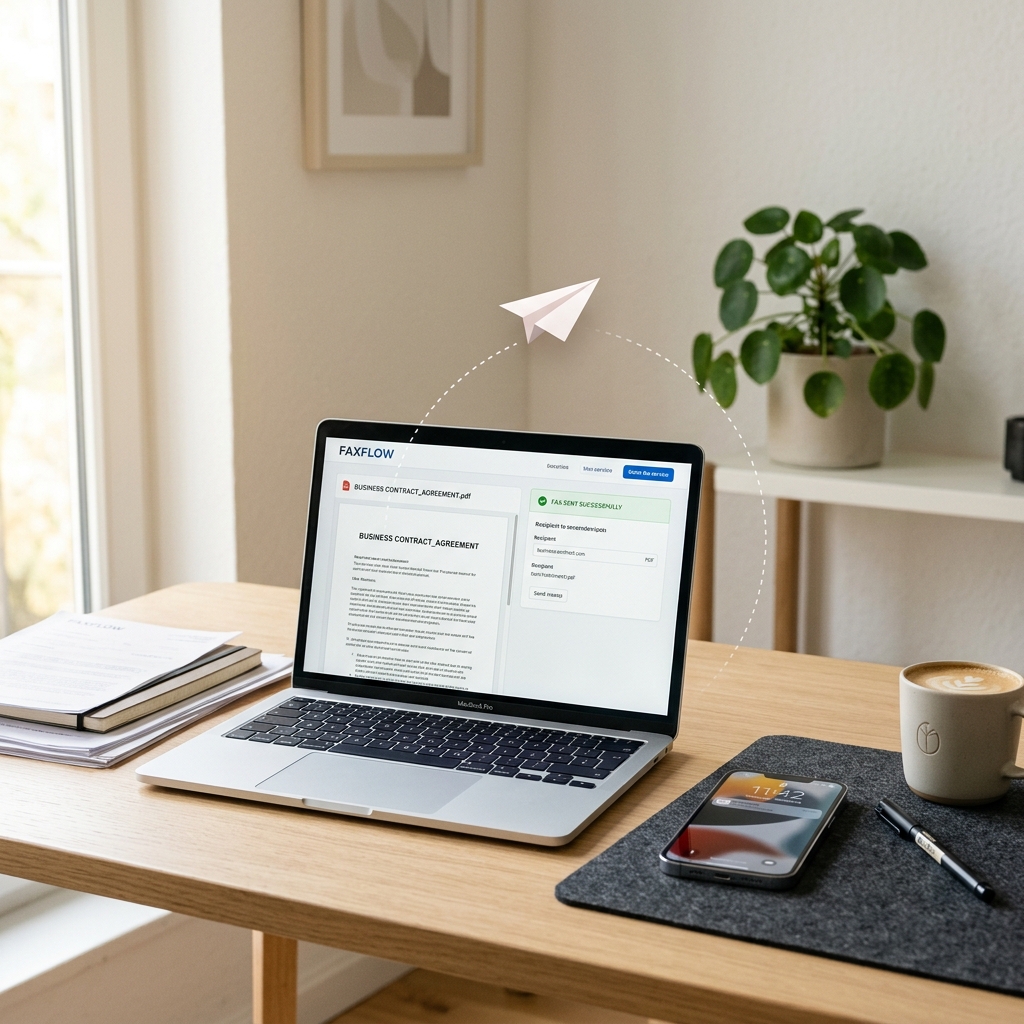
A good document workflow connects capture, organization, processing, and archival into one continuous pipeline.
Stage 4: Archive
Completed documents need to be stored securely and remain findable. Archive rules:
- Retention periods — Tax documents: 7 years. Contracts: lifetime of contract + 6 years. Employee records: varies by state.
- Access control — Not everyone needs access to everything. Set permissions.
- Backup — Use the 3-2-1 rule: 3 copies, on 2 different media, with 1 offsite. Cloud storage + local backup + offsite archive.
Tools for Each Stage
| Stage | Tools | Purpose |
|---|---|---|
| Capture | Adobe Scan, Online Fax, Email | Digitize everything |
| Organize | Google Drive, OneDrive, Dropbox | Central storage with structure |
| Process | DocuSign, Zapier, Slack | Automate reviews and approvals |
| Archive | Backblaze, AWS S3, Google Vault | Long-term, compliant storage |
Automation: The Glue
The power of a digital workflow is automation — connecting tools so documents flow without manual intervention:
- Zapier / Make — "When a fax arrives in Gmail, save the PDF to Google Drive and notify the team on Slack"
- Email filters — Automatically label and sort incoming documents by sender or subject
- Cloud sync — Changes made anywhere are instantly available everywhere
- OCR (Optical Character Recognition) — Automatically make scanned documents searchable by text content
Start small: Don't try to automate everything at once. Pick the one document type that causes the most pain (usually invoices or signed contracts) and build a workflow for that first. Expand from there.
Where Fax Fits In
Fax isn't dead — it's just been digitized. In a modern document workflow, online fax integrates naturally: incoming faxes arrive as PDFs in your capture pipeline, and outgoing faxes are sent from the same tools you use for email. Resources like FaxRadar can help you find services that integrate directly with cloud storage and email, which keeps your workflow seamless.
The key insight: fax doesn't have to be a separate process. When it's folded into your digital pipeline, it becomes just another input/output channel — no more disruptive than email.
The 30-Minute Setup
If you're starting from scratch, here's a minimal viable workflow you can set up in 30 minutes:
- Create a Google Drive folder structure (15 min)
- Set up a file naming convention and document it (5 min)
- Install a mobile scanner app (2 min)
- Sign up for an online fax service and set delivery to your email (5 min)
- Create a Gmail filter to label incoming faxes (3 min)
That's it. You now have a basic digital document workflow that captures, organizes, and stores every document that touches your business.